
Fast retail point of sale
Barcode-ready checkout with customer, salesperson, discounts, returns, held sales, supervisor controls and multiple payment methods.
LinksERP combines point of sale, inventory, purchasing, full accounting, multi-branch control and management reporting—with Kenya-ready integrations for M-PESA, KRA eTIMS, PDQ and QuickBooks Online.
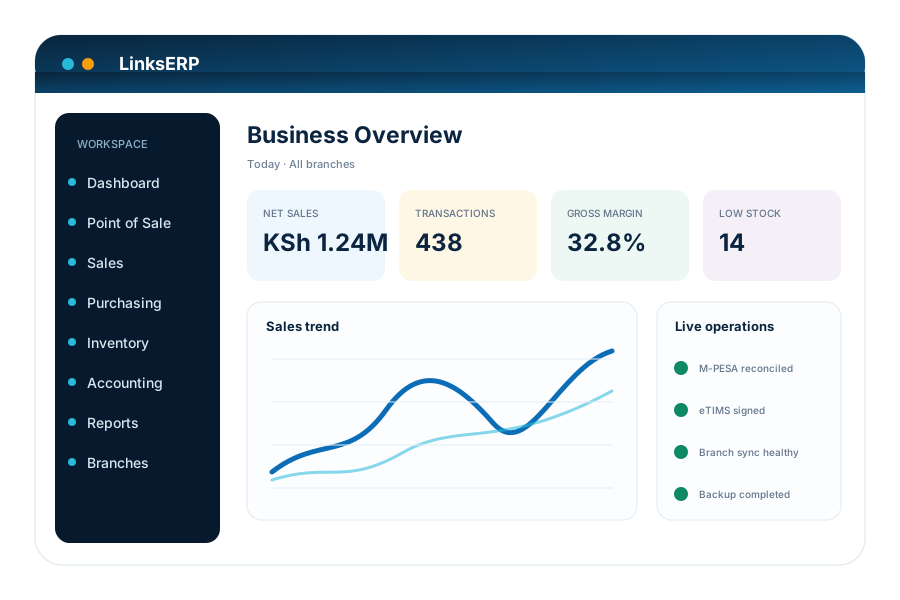
LinksERP is designed so sales, stock, cash, purchases and accounting move together instead of living in separate systems.
Barcode-ready checkout with customer, salesperson, discounts, returns, held sales, supervisor controls and multiple payment methods.
Live stock balances, transfers, purchasing, GRN, stock counts, reorder visibility, serial tracking and branch-aware stock control.
Receivables, payables, cash/bank, journals, VAT reporting and financial statements tied directly to operational transactions.
Company and branch permissions, branch filters, sales reps per branch, inter-branch transfers and consolidated management views.
M-PESA STK, KRA eTIMS, PDQ card processing, QuickBooks Online, SMS and other workflow integrations.
Surface payment failures, eTIMS exceptions, low stock, unusual adjustments, till shortages, large discounts and backup status.
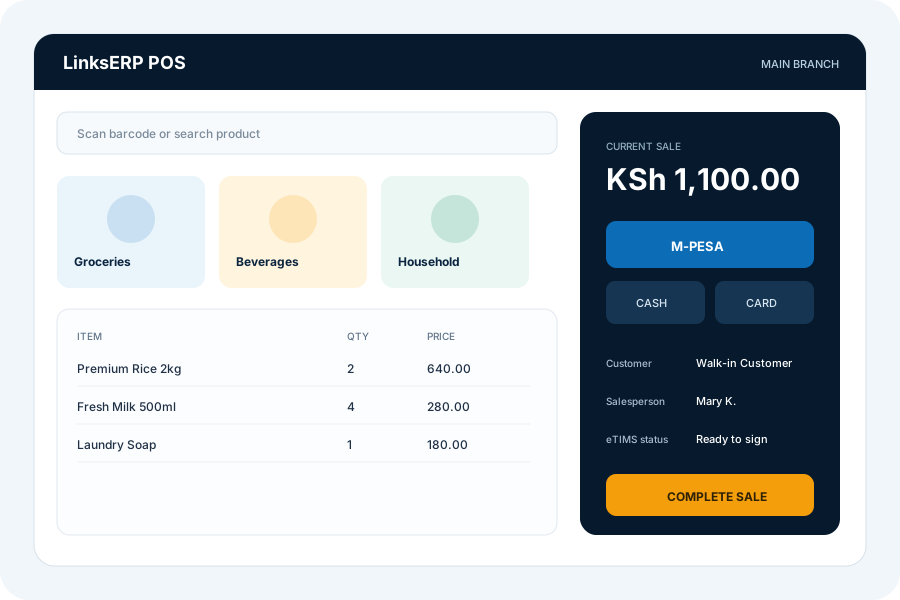
Give cashiers a focused selling screen while management keeps the controls that protect margin, stock and accountability.
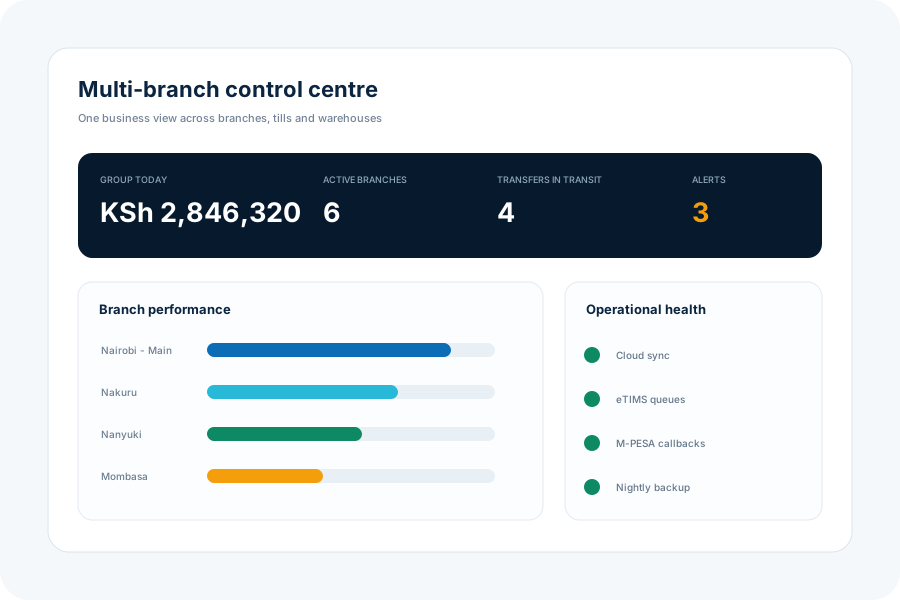
Assign users to the right company and branch, keep branch-specific sales teams, move stock with traceability, and report across one or many locations.
Reduce duplicate entry and manual reconciliation by connecting payments, tax invoicing and accounting where transactions happen.
STK push, callbacks and payment reconciliation.
Tax invoice signing, QR workflow and exception handling.
Payment authorisation and card workflow integration.
Synchronise selected master data and accounting records.
Connect web, mobile and approved external workflows.
LinksERP groups operational exceptions into a single management view so teams can act on payment failures, compliance queues, stock risks and unusual activity.
Explore alerts & exceptions

Review sales, item performance, branch results, stock valuation, receivables, VAT and profitability with consistent branch and company filters.
Implementation is structured around your real workflow, locations, users, data and integrations.
Map branches, tills, stock, finance, approvals and reporting needs.
Set companies, branches, users, roles, items, taxes and integrations.
Load clean opening data, verify transactions and run user acceptance tests.
Train users, deploy production binaries and support operational adoption.
Book a practical demo around your branches, tills, stock and accounts.